 Daily Home Cleaning Schedule
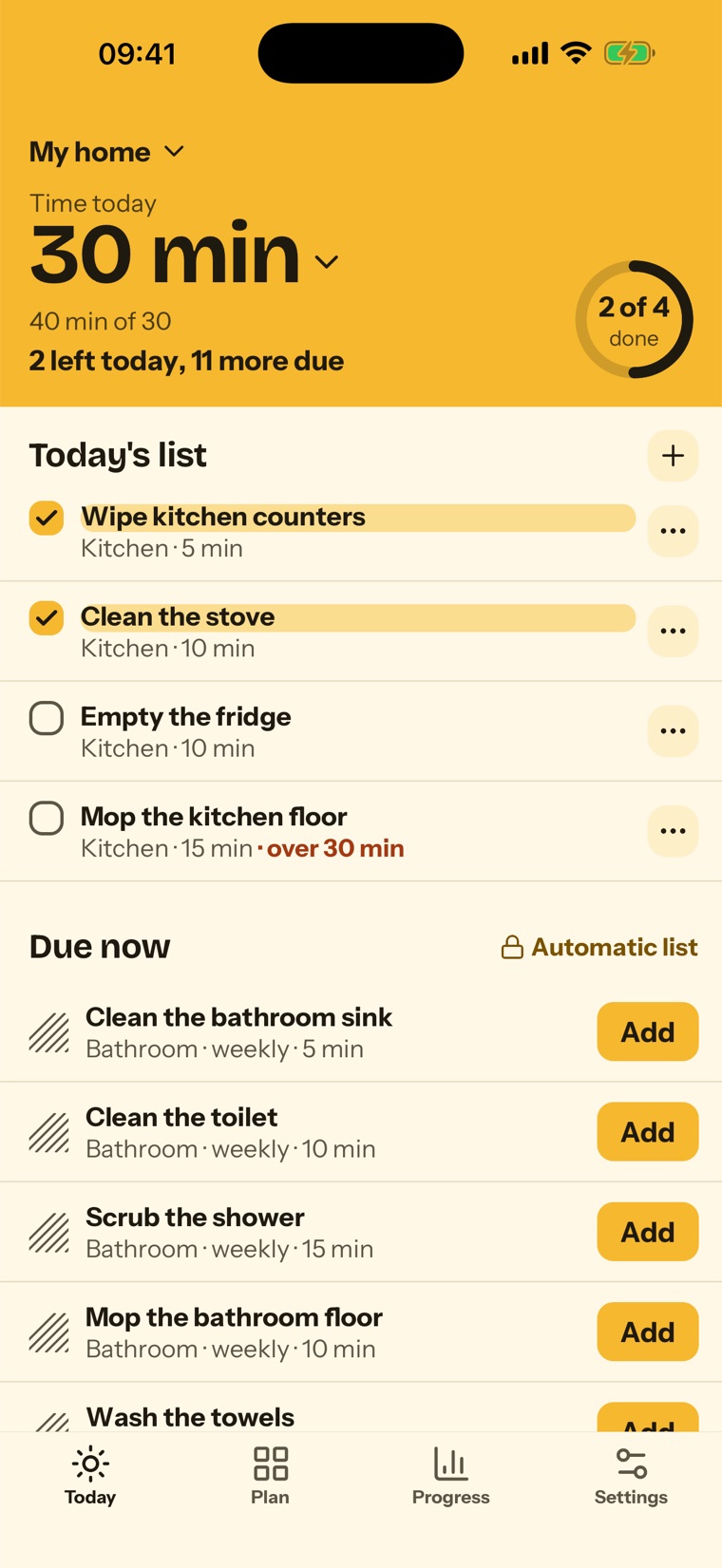
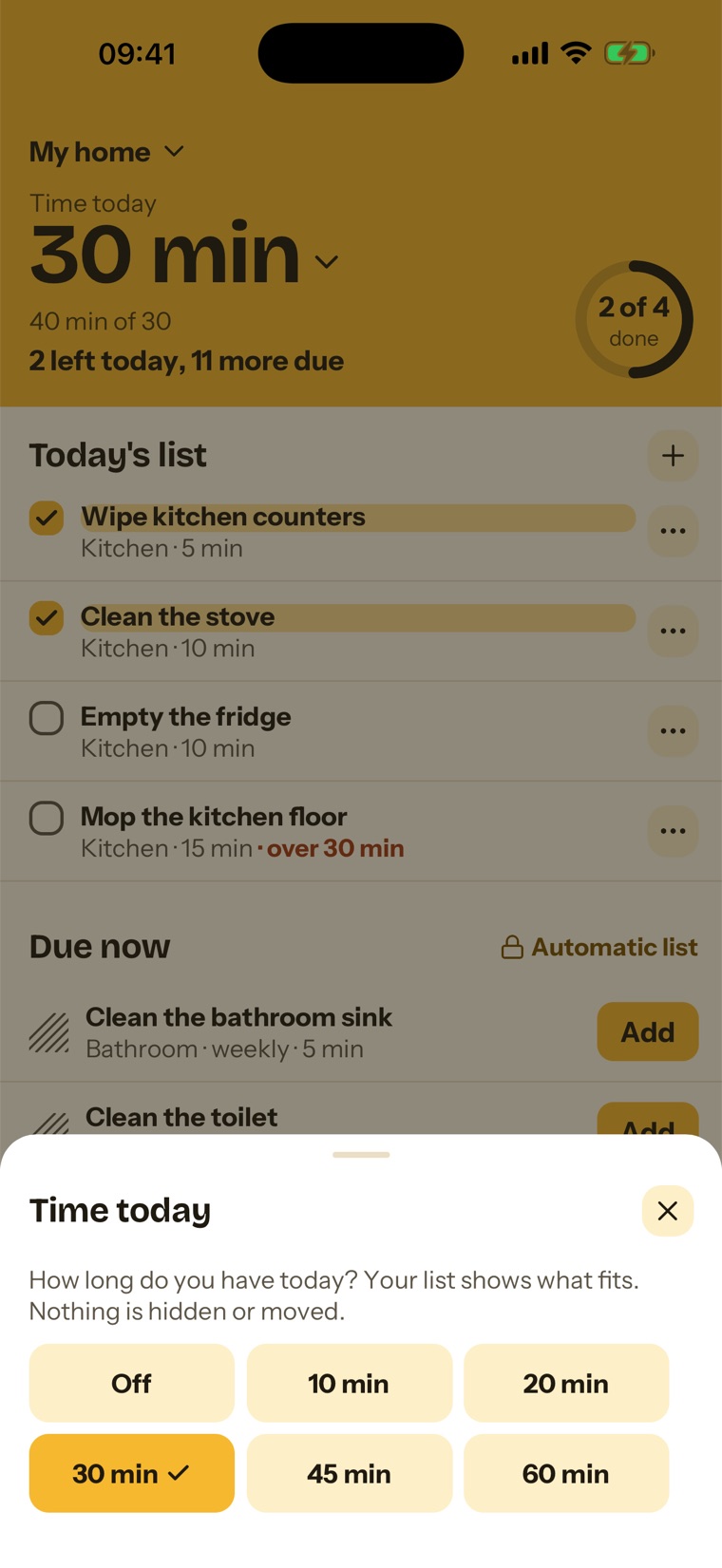
Say how long you have.
Pick 10, 20, 30, 45 or 60 minutes. Today shows how much of that your list takes, and which chore goes over. You decide what to leave for tomorrow.
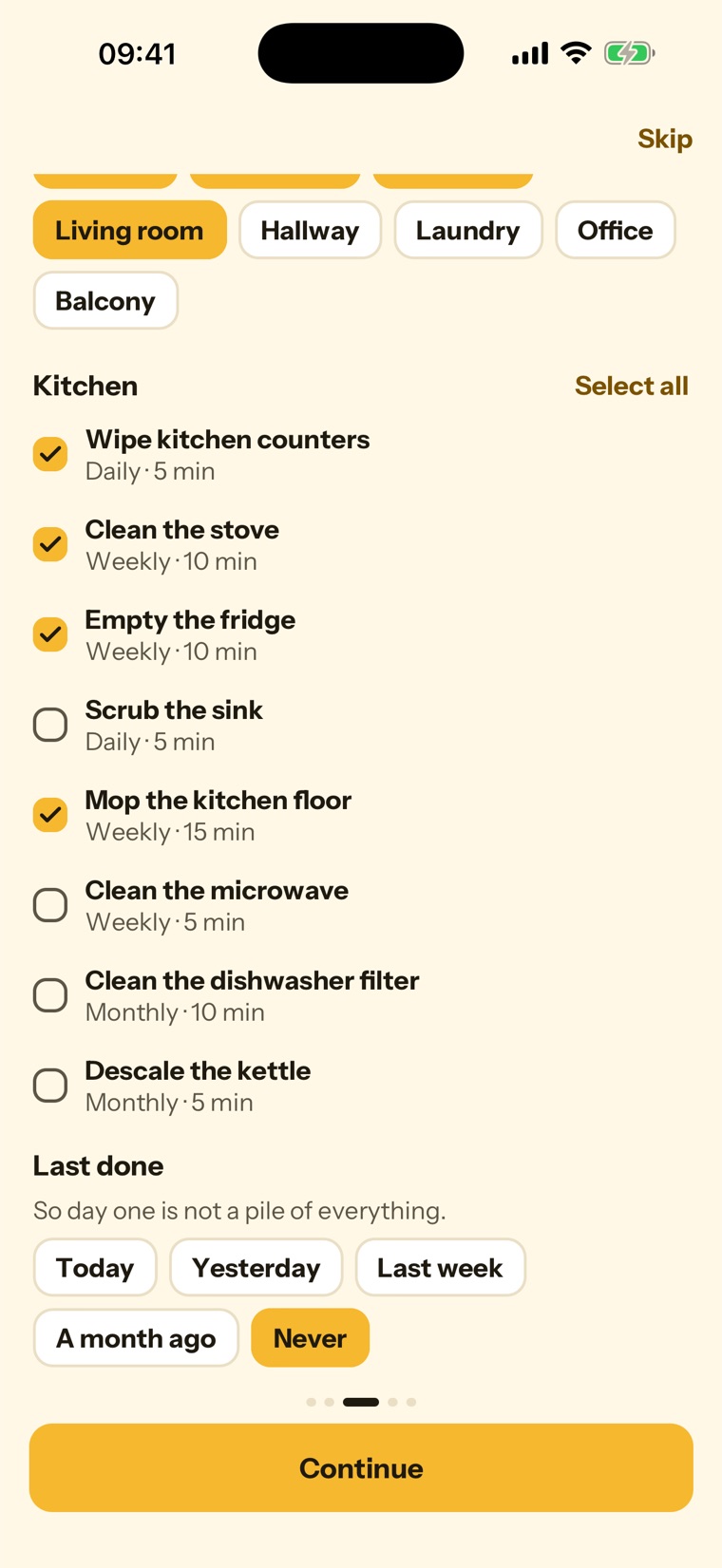
Set your home up once.
Pick your rooms, tick ready-made tasks or write your own, and say when each was last done. So day one is not a pile of everything.
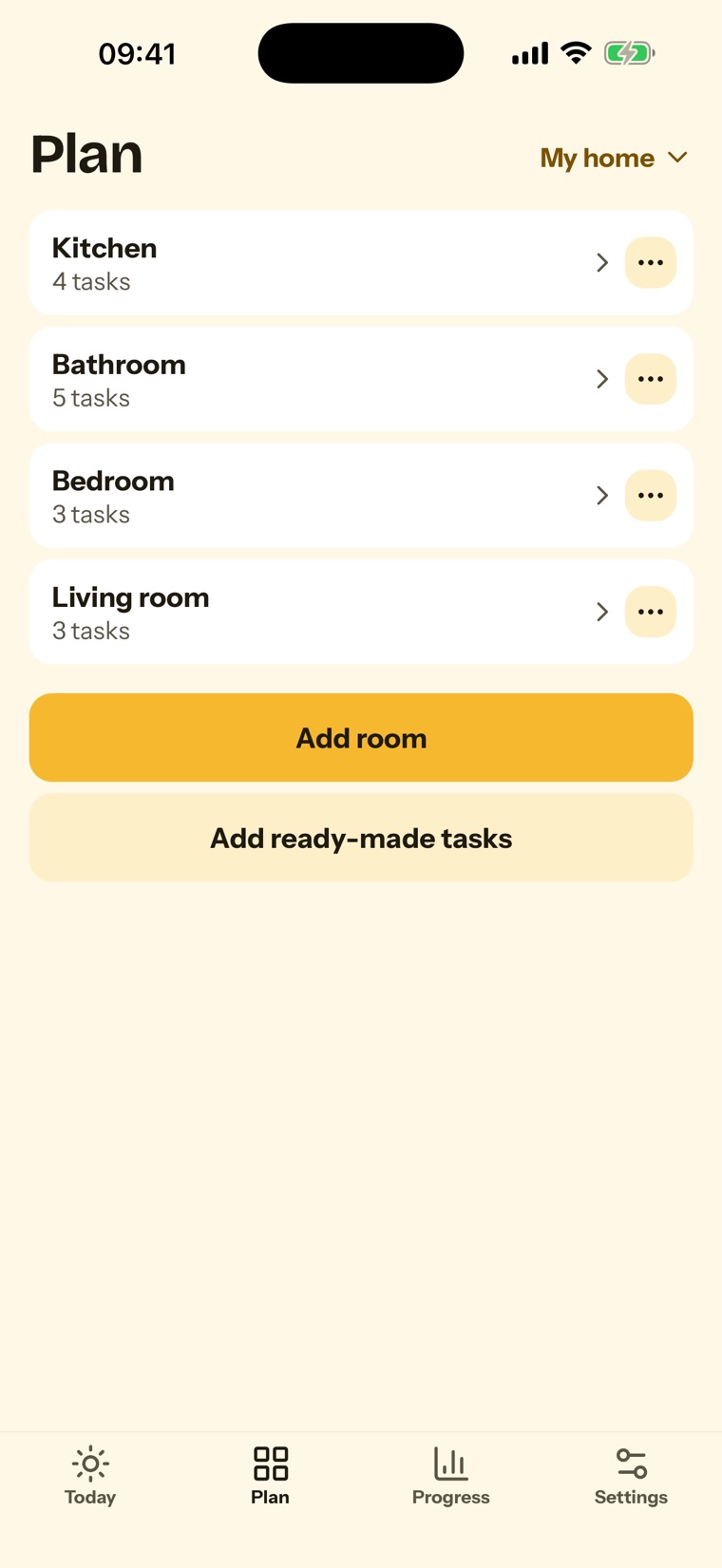
Every room, its own rhythm.
Daily, weekly or monthly, per task. When a chore comes due it is marked on Today and stays marked until it is done.
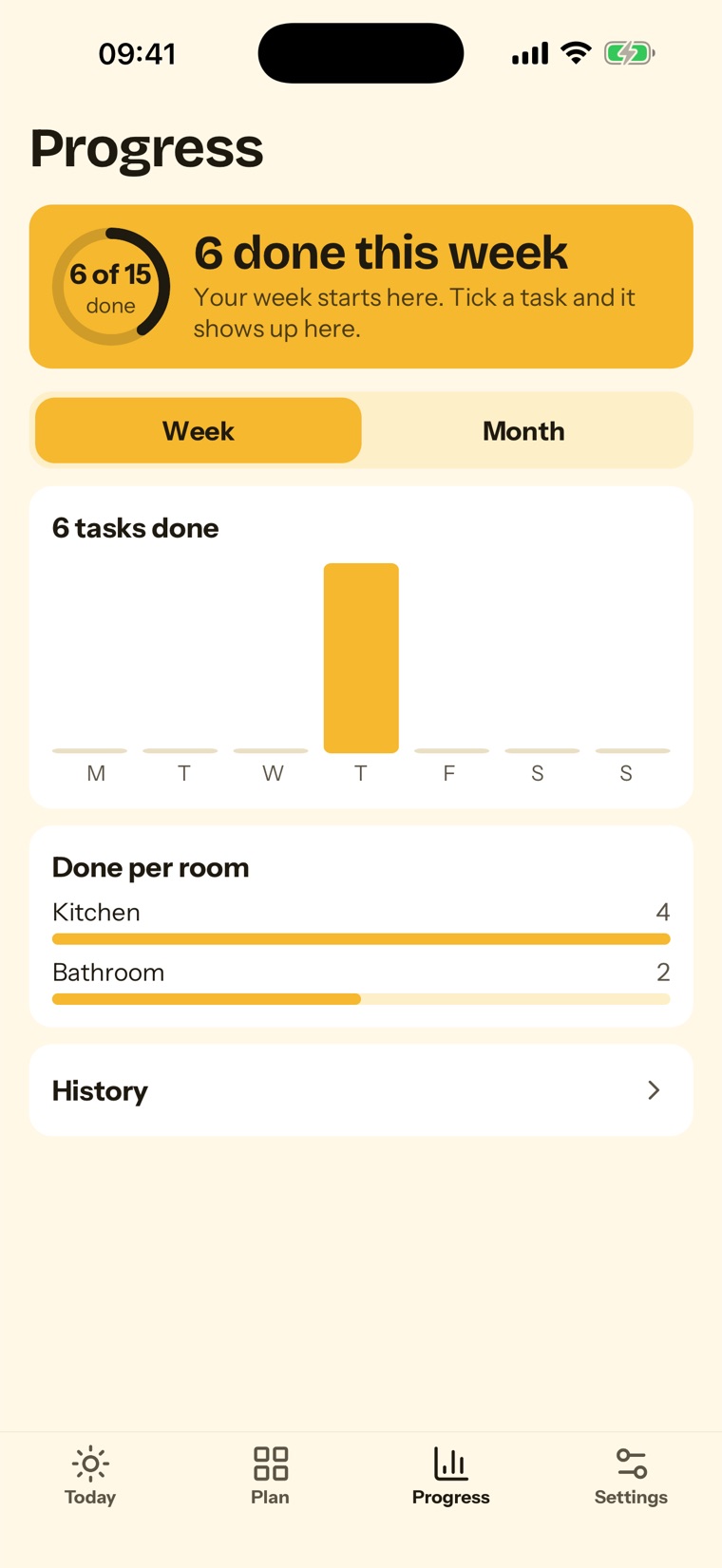
See that you are keeping up.
Free shows a ring for today and your count for the week. Premium adds week and month charts, chores per room and your history.
Free to use. Premium plans for you.
Free
- Today's list: add what is due with one tap
- 1 home, 4 rooms, 20 tasks
- Daily, weekly and monthly chores
- Time today and Last done
- One daily reminder
- Ring for today and weekly count
Premium
- Your list forms itself from the schedule
- Unlimited rooms and tasks
- Your own intervals, like every 10 days
- A reminder for each task
- Week and month statistics, and history
- More than one home
Premium is an optional auto-renewing subscription with a 3-day free trial, sold through the App Store. The App Store shows the price for your country.
No account. No sign-in.
Your homes, rooms, tasks and history stay on your phone. We have no server for them. Privacy Policy